
Build a Physical Cisco Lab Environment
Notes from CBT Nuggets CCNA 200-301, Section 04 (8 videos).
Why Build a Physical Lab?
- Hands-on experience with physical gear accelerates learning significantly
- Seeing and touching switches and routers builds intuition that simulators can't fully replicate
- Setting up your home network with Cisco gear gives real-world troubleshooting experience
- You'll experience real pressure (breaking your home network, causing outages) which prepares you for production environments
- Not mandatory -- you can learn Cisco with simulators, but physical gear helps things "click" faster
- If you can't get physical gear, Cisco Packet Tracer is the next best alternative (free, created by Cisco for Network Academy)
Budget Warning
Buy only what you need. Don't take out student loans for lab equipment. A functional CCNA lab can be built for ~$200 total from eBay.
Cisco Switch Models
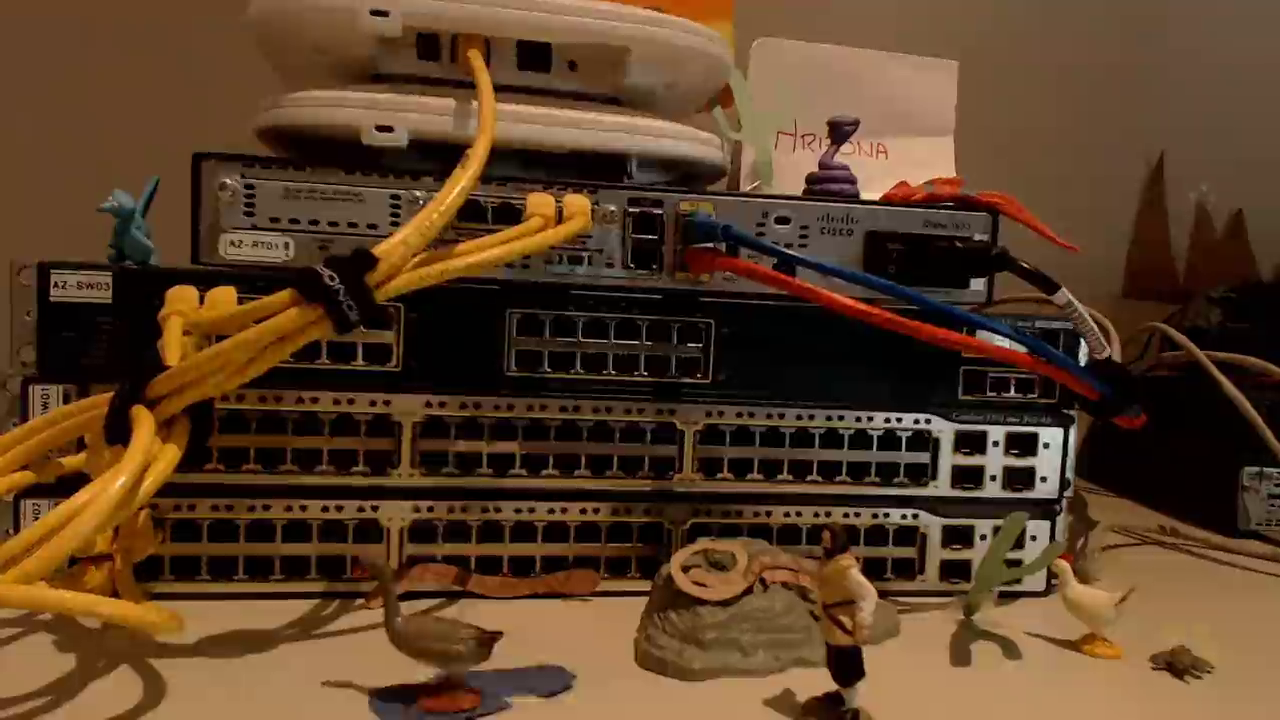
Switches are the "electrical junction box" of the network -- they tie all devices together and operate at Layer 2 (Data Link) of the OSI model. They learn MAC addresses and build a table to forward traffic intelligently between devices.
Switch Categories (Personas)
| Category | Models | Layer | Description |
|---|---|---|---|
| Layer 2 Stackable | Catalyst 2960, 2975 | L2 | Basic switches, each managed individually. 1U rack size. |
| Layer 3 Stackable | Catalyst 3560, 3750 | L3 | Can do routing in hardware using ASICs. Faster than routers but fewer features. |
| Chassis-Based | Catalyst 4500, 6500 | L2/L3 | Modular blade system. Swappable supervisor engines, power supplies, interface blades. Very loud -- not recommended for home labs. |
Key Concepts
- Catalyst: Cisco's switch brand, acquired from a company called Catalyst. Originally ran CatOS, now runs IOS.
- Stackable: Individual 1U switches managed independently.
- StackWise: Cisco technology that combines multiple switches (e.g., 3750s) into a single logical unit via a special cable in the back.
- ASICs (Application-Specific Integrated Circuitry): Hardware chips that allow switches to process traffic at wire speed -- as fast as the cable can send data.
- Layer 3 Switch vs Router: L3 switches route in hardware (faster, fewer features). Routers route in software (slower, many more features).
- Supervisor Engines: The "brain" of chassis-based switches. Can be swapped out to upgrade the switch without replacing the chassis.
- Backplane: The internal bus that connects all blades/modules in a chassis switch.
Cisco Router Models
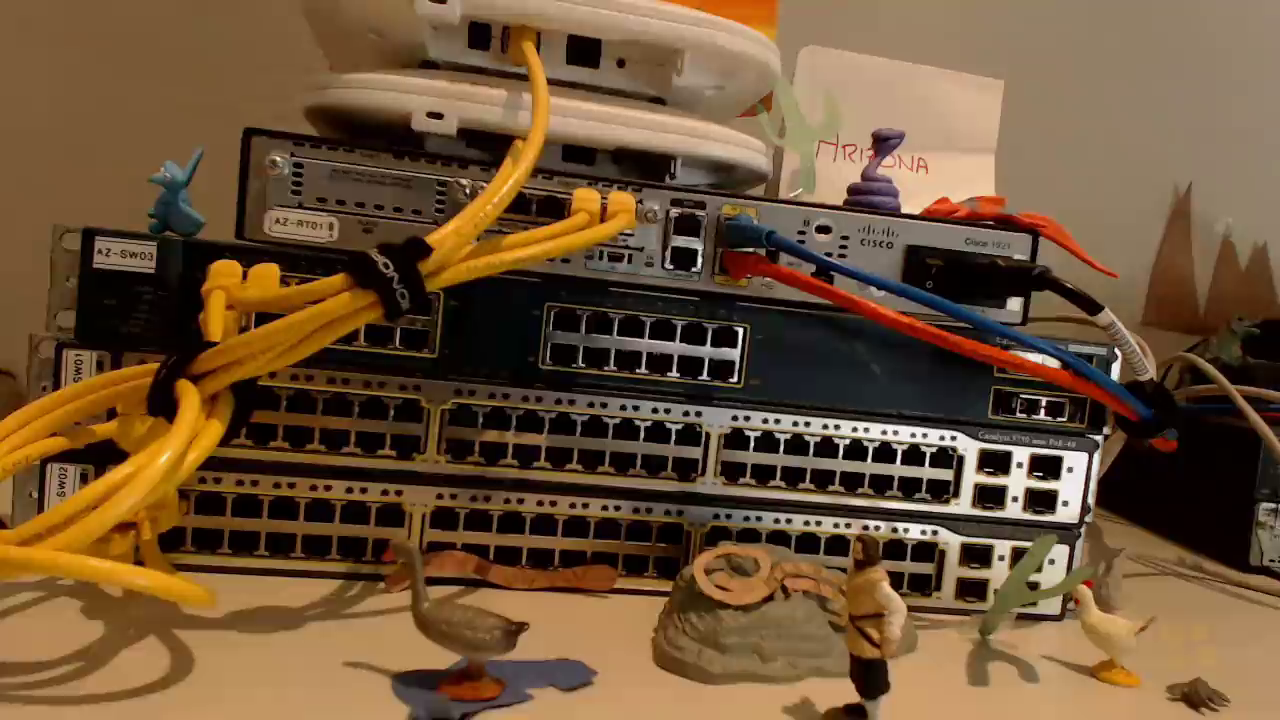
Routers are the "walls" of the network -- they divide broadcast domains and control traffic between different network segments.
Router Categories (Personas)
| Category | Models | Use Case | Lab Suitability |
|---|---|---|---|
| Small Business | 1600, 1700, 1800, 1900 | Small office/home | Best for home lab -- quiet, cheap, compact |
| Mid-Range | 2600, 2800, 2900 | Mid-size business | Great lab options, very common on eBay |
| Enterprise | 3600, 3800 | Large business | Big and loud, generally avoid for home lab |
| Carrier | 7200, 7300, 7600 | ISP/carrier | Very beefy, very loud, cheap on eBay but impractical at home |
Specific Models Worth Knowing
| Model | Ports | Speed | Notes |
|---|---|---|---|
| 2610 | 1 Ethernet + modular slots | 10 Mbps | Cheap, good for basic labs |
| 2611 | 2 Ethernet + modular slots | 10 Mbps | Two interfaces for routing practice |
| 2620 | 2 Ethernet + modular slots | 100 Mbps | Same as 2611 but faster |
| 2621XM | 2 Ethernet + modular slots | 100 Mbps | Enhanced processor/memory, supports advanced IOS features (IPv6, OSPF) |
| 1921 | 2 GigE + modular slots | 1 Gbps | Quiet fan, gigabit, expandable -- recommended |
Fan Noise Warning
Larger equipment (3600+, 7200+, chassis switches) generates significant fan noise. Unless you have a dedicated room, stick to 1U devices from the 1900/2600 series.
Device Memory
Cisco routers and switches are specialized computers with two key memory types:
Flash Memory
- Acts as the "hard drive"
- Stores a compressed copy of the IOS (Internetwork Operating System)
- Usually compact flash format
- During boot, IOS is decompressed from flash into RAM
DRAM (Dynamic RAM)
- Acts as the "working memory"
- Holds the running IOS and all active processes
- No page file -- if a Cisco device runs out of RAM, it crashes and reboots (unlike a PC which just slows down)
Why Memory Matters
- Different IOS versions have different feature sets requiring different amounts of memory
- A device may boot fine but crash later when a feature tries to allocate memory that isn't available
- Cisco's download portal lists DRAM and flash requirements for each IOS version
- When buying used equipment, check that the installed memory meets the requirements for the IOS version you plan to run
- Buy off-brand memory for lab equipment -- Cisco-branded memory costs significantly more due to warranty/support coverage you don't need in a lab
SmartNet
Cisco's extended warranty and support program. Required to download IOS firmware updates from Cisco's website. Shows memory requirements per IOS version.
Interface Modules
Cisco devices come in two types: fixed (what you see is what you get) and modular (expandable with add-on modules).
Module Types
SFP (Small Form Factor Pluggable)
- Also called "personality modules"
- Primarily for fiber optic connectivity
- Allow longer distances and higher speeds
- Found on both fixed and modular devices
WIC (WAN Interface Card)
- Small cards that slide into WIC slots
- WIC-2T: 2 serial ports (for frame relay, T1, point-to-point links) -- very common in labs
- WIC-1DSL: DSL interface
- Serial connections simulate WAN links between sites in a lab
VIC (Voice Interface Card)
- Same form factor as WIC cards
- VIC-2FXS: 2 analog phone ports (Foreign Exchange Station) -- connects analog phones/fax/modems to VoIP
- VIC-2E/M: Digital voice ports (T1/E1 interfaces)
Single-Wide Modules
- Standard size, fits all compatible routers
- Often carrier modules that provide additional WIC/VIC slots
- Example: NM-2FE2W -- adds 2 Fast Ethernet ports + 2 WIC slots
Double-Wide Modules
- Takes up two single-wide slots (remove divider bar)
- EtherSwitch Module: Adds 24 or 48 switch ports with PoE to a router -- turns router into a switch+router combo for small offices
Supervisor Engines (Chassis Switches)
- The "brain" of a chassis-based switch (e.g., Sup720 for Catalyst 6500)
- Contains processor, memory, and core switching logic
- Usually deployed in pairs for failover ("two is one, one is none")
- Can be swapped to upgrade the entire switch
DSPs (Digital Signal Processors)
- Added via modules like NM-HD-V2
- Required for Voice over IP -- converts voice into packets
- Each DSP handles multiple simultaneous voice sessions
Compatibility Warning
Just because a module physically fits doesn't mean it will work. You must verify:
- IOS version support
- Hardware platform compatibility
- Memory requirements
- Module isn't just the right form factor but the right generation
Password Recovery
Essential skill when buying used equipment -- devices often arrive with unknown passwords from previous owners.
Prerequisites
- Console cable with Prolific chipset (not CH340) -- cheap cables may not support the break signal
- Console connection software (PuTTY recommended)
Configuration Register Values
| Value | Meaning |
|---|---|
0x2102 | Default -- normal boot, loads startup config |
0x2142 | Password recovery -- ignores startup config on boot |
Step-by-Step Process
- Connect to the console port
- Reboot the device and send a break signal (Ctrl+Break or PuTTY > Special Command > Break) within the first ~30 seconds
- Enter ROMmon mode (ROM Monitor) -- a minimal recovery environment before IOS loads
- Change the config register:
confreg 0x2142 - Reset the device: type
reset - Device boots with no configuration (but startup config is preserved)
- Say No to the initial config dialog
- Enter privileged mode:
enable(no password required) - Restore config:
copy startup-config running-config - Reset passwords:
configure terminal enable secret <new-password> line console 0 password <new-password> - Save:
copy running-config startup-config - Reset config register back to default:
configure terminal config-register 0x2102 - Verify with
show version-- should show0x2102will be used at next reload
Security Implication
Anyone with physical access to a Cisco device can perform password recovery. Physical security of network equipment is critical.
Recommended CCNA Lab Build
Routers
| Tier | Model | Price Range | Notes |
|---|---|---|---|
| Ultra Cheap | Cisco 1700 series, 2611 | $5-20 + shipping | Very quiet, 10 Mbps Ethernet |
| Mostly Cheap | Cisco 2621, 2801 | $40-80 + shipping | 100 Mbps or GigE, more features |
| Recommended | Cisco 1921 | ~$30-45 + shipping | Quiet, GigE, expandable, great all-rounder |
Switches
| Tier | Model | Layer | Price Range | Notes |
|---|---|---|---|---|
| Cheap | Catalyst 2950 | L2 | ~$20 | Basic switching |
| Cheap | Catalyst 3550 | L3 | ~$20 | Adds routing capability |
| Recommended L2 | Catalyst 2960 | L2 | ~$20 | 24/48 ports, 10/100 + GigE uplinks, SFP slots |
| Recommended L3 | Catalyst 3750 | L3 | ~$60 | GigE, StackWise support, SFP slots |
PoE Warning
Older Cisco switches may advertise PoE but use Cisco Inline Power (proprietary), which won't power standard 802.3af/at devices. Look specifically for IEEE 802.3af PoE support.
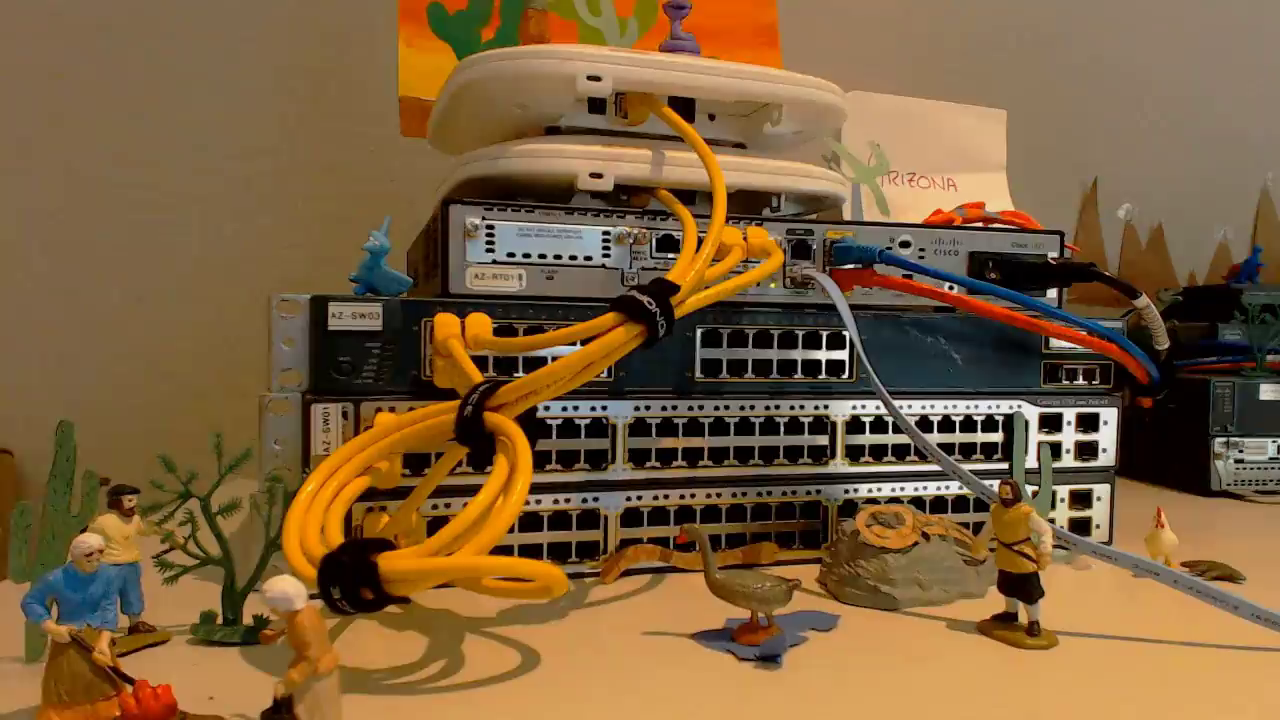
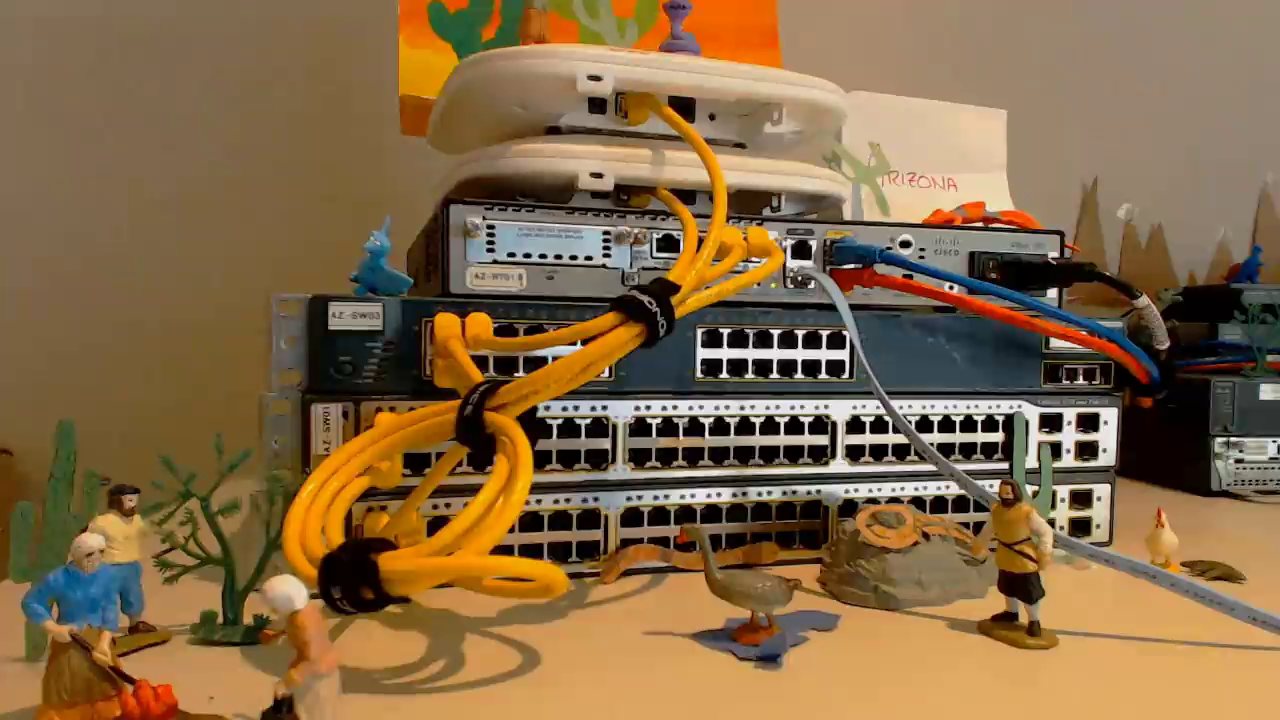
Example Lab Topology (~$200 total)
                        Internet
                           |
                    [Arizona - HQ]
                    Router: 1921
                    Core: 2x 3750 (StackWise)
                    Access: 3550
                    Wireless: 2x LAP + WLC 2106
                       /          \
                 Metro-E        Metro-E
                 /                    \
        [Florida]                [Nevada]
        Router: 2621XM           Router: 2621
        Switch: 2960             Switch: 2960
Three offices connected via Metro Ethernet, all internet through Arizona HQ. Everything purchased used from eBay.
Tip
Shipping costs often exceed the cost of the device. Look for bundled deals or local pickup. Don't feel locked into exact model numbers -- many similar models will work.