
https://killercoda.com/killer-shell-cka/scenario/apiserver-crash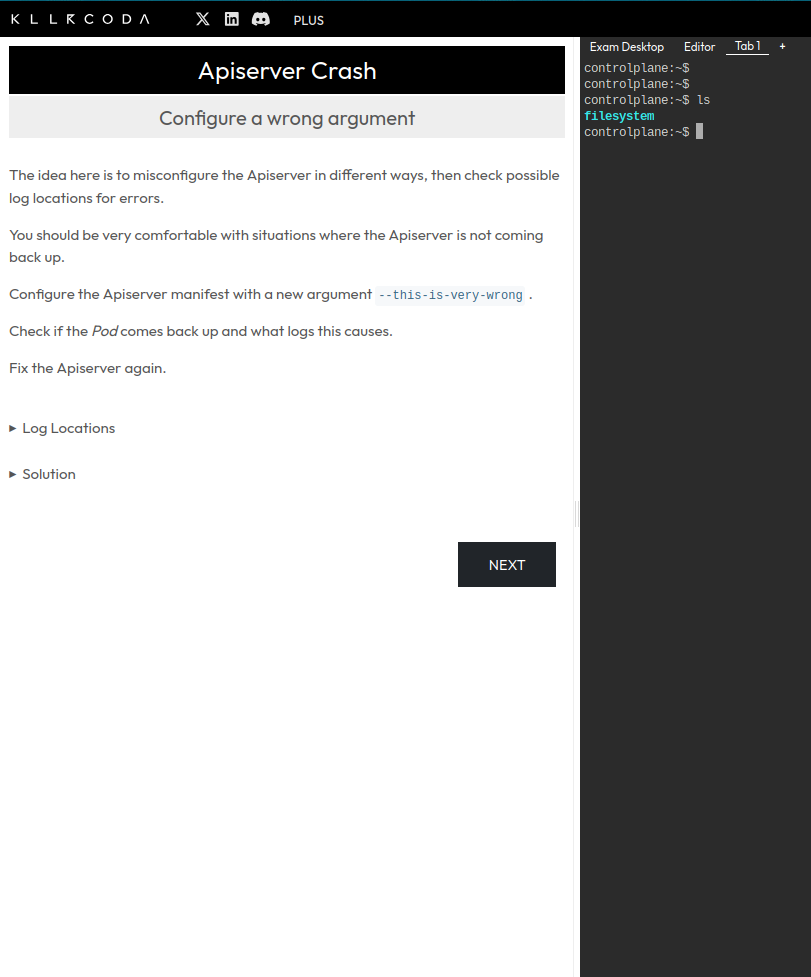
cd /home/vagabond/peak/kubequest/cka/compose/15-troubleshoot-controlplaneKind cluster config (alternative setup):
# kind-config.yaml
kind: Cluster
apiVersion: kind.x-k8s.io/v1alpha4
nodes:
  - role: control-plane
  - role: worker
- role: worker# kind create cluster --name demo-cluster --config kind-config.yamlcd /home/vagabond/peak/kubequest/cka/compose/15-troubleshoot-controlplane/multipass && ./cluster.sh up
# SSH into master
multipass shell k8s-master
sudo su
cd /etc/kubernetes/manifestscp kube-apiserver.yaml ~/kube-apiserver.yaml.bak ls -la ~/kube-apiserver.yaml.bak -> Add one -- this-is-very-wrong flag
ss -ltnp | grep 6443
SSH into worker
multipass shell k8s-worker
Or use kubectl from your host
export KUBECONFIG=/home/vagabond/peak/kubequest/cka/compose/15-troubleshoot-controlplane/multipass/.kube/config kubectl get nodes
https://killercoda.com/killer-shell-cka/scenario/apiserver-misconfigured he Apiserver manifest contains errors
Make sure to have solved the previous Scenario Apiserver Crash.
The Apiserver is not coming up, the manifest is misconfigured in 3 places. Fix it.
Log Locations
Log locations to check:
/var/log/pods
/var/log/containers
crictl ps + crictl logs
docker ps + docker logs (in case when Docker is used)
kubelet logs: /var/log/syslog or journalctl
Issues
Solution 1
The kubelet cannot even create the Pod/Container. Check the kubelet logs in syslog for issues.
cat /var/log/syslog | grep kube-apiserver
There is wrong YAML in the manifest at metadata;
Solution 2
After fixing the wrong YAML there still seems to be an issue with a wrong parameter.
Check logs in /var/log/pods. Error: Error: unknown flag: --authorization-modus. The correct parameter is --authorization-mode.
Solution 3
After fixing the wrong parameter, the pod/container might be up, but gets restarted.
Check container logs or /var/log/pods, where we should find:
Error while dialing dial tcp 127.0.0.1:23000: connect:connection refused
Check the container logs: the ETCD connection seems to be wrong. Set the correct port on which ETCD is running (check the ETCD manifest)
It should be --etcd-servers=https://127.0.0.1:2379
+
https://killercoda.com/killer-shell-cka/scenario/kube-controller-manager-misconfigured https://killercoda.com/killer-shell-cka/scenario/kubelet-misconfigured
https://killercoda.com/killer-shell-cka/scenario/application-misconfigured-1https://killercoda.com/killer-shell-cka/scenario/application-misconfigured-2